There is something wonderfully strange about gaming on an older Mac.
A machine that Apple stopped selling decades ago can still open a game, hand you the controls and quietly ask: Would you like to play?
No subscription screen. No monthly fee. No season pass. Sometimes not even an installer.
At Apple Retro, we’ve been exploring games across three very different generations of the Mac: classic Mac OS titles running through Tiger’s Classic environment, early native OS X games, and today’s Apple Arcade. Put them beside one another and an interesting question appears.
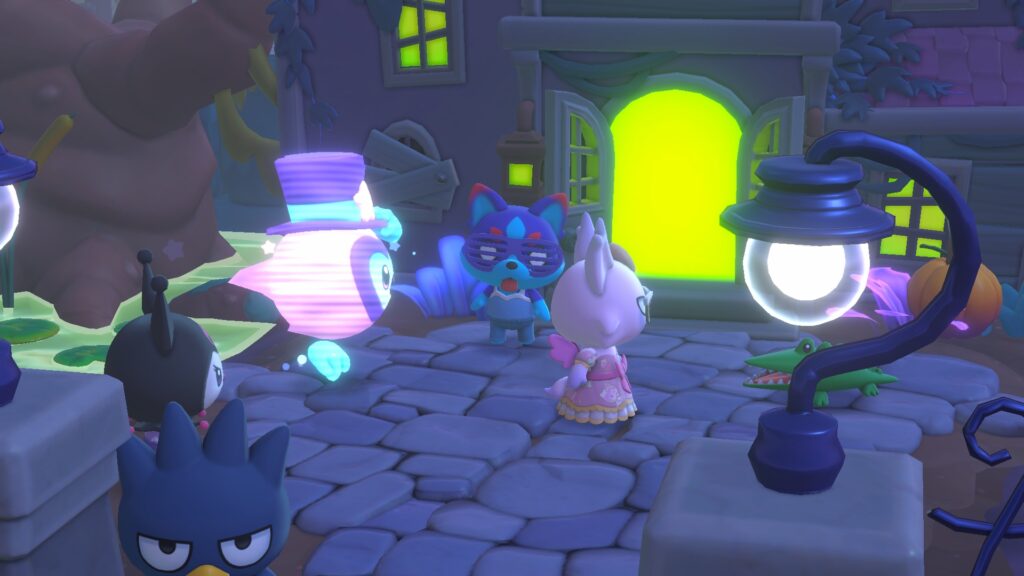
Image: Apple Arcade Hello Kitty – Intel or Apple silicon
How much gaming do you really need to buy?
Apple Arcade provides an enormous contemporary answer. For $49.99 a year in the United States, Apple offers access to more than 200 games, with no advertising or in-app purchases. It’s convenient, polished, works across modern Apple devices, and for somebody who plays regularly, fifty dollars a year isn’t exactly highway robbery. Apple
But there is another gaming library hiding in plain sight.
It’s old.
It’s weird.
And quite a lot of it can still be played for free.
Before the Arcade
Fire up Tiger’s Classic environment and suddenly the Mac becomes a little archaeological dig where the artifacts still move.
We’ve been playing Command & Conquer, Crystal Caliburn, Tomb Raider and Σ Chess 4.0.3—games gathered over the years from original media, demos, trials and community archives.
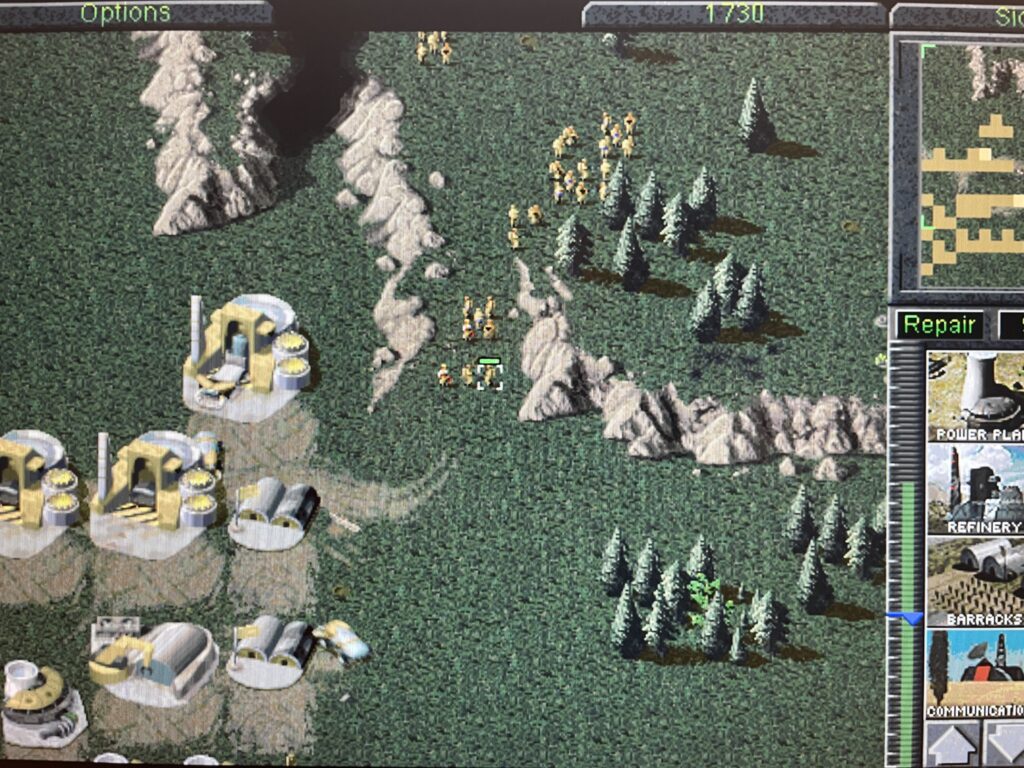
Image: Command & Conquer by WestWood Studios 1996 – Classic

Image: Crystal Caliburn by Little Wing Co 1999 – Classic
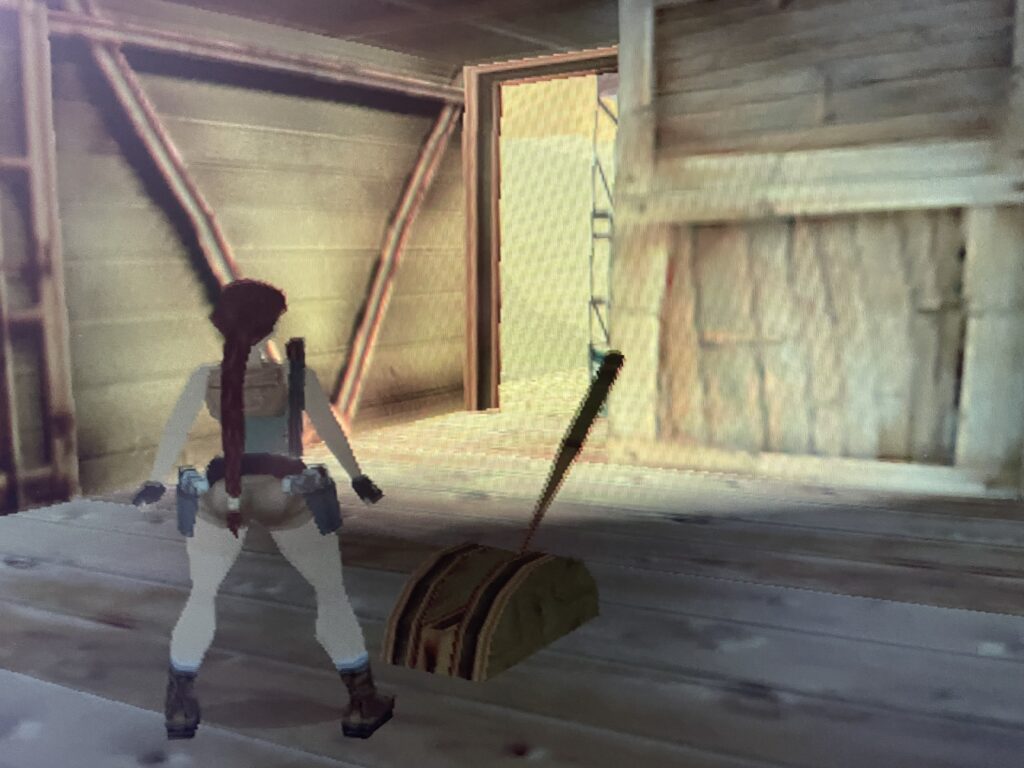
Image: Tomb Raider by Aspyr Media 2000 – Classic
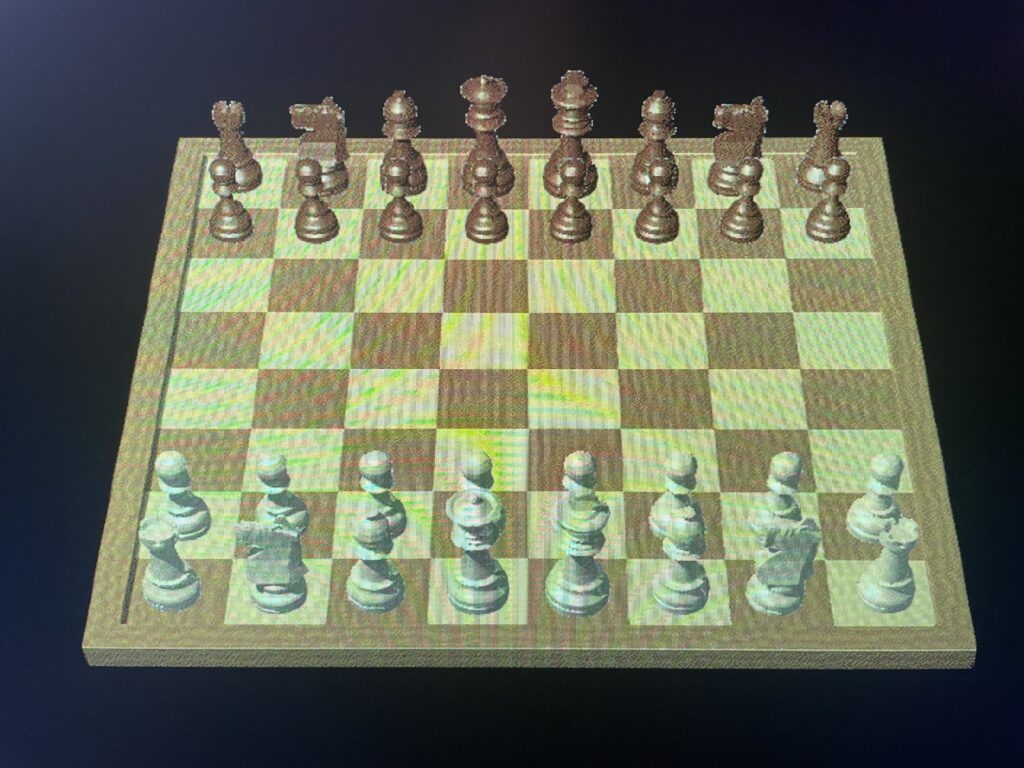
Image: ∑ Chess 403 by Ole Kjaer Christensen 1998 – Classic
They don’t feel like historical documents when they’re running.
Command & Conquer still asks you to build a base and make decisions before somebody destroys it. Tomb Raider still drops Lara Croft into spaces that need exploring. Crystal Caliburn still turns the screen into an absolutely bonkers pinball table. Chess remains chess, regardless of how many pixels are drawing the pieces.
That’s one of the charms of retro gaming: graphics age much faster than good ideas do.
And because Tiger can bridge Mac OS X and the older Classic environment, one machine can straddle two generations of Mac software.
Then OS X Started Having Fun
The early OS X era occupies a particularly interesting middle ground.
These games are modern enough to feel immediately familiar, but old enough to come from an era before every piece of software expected to maintain a permanent financial relationship with you.
Boom 2.0.6 is a perfect example.
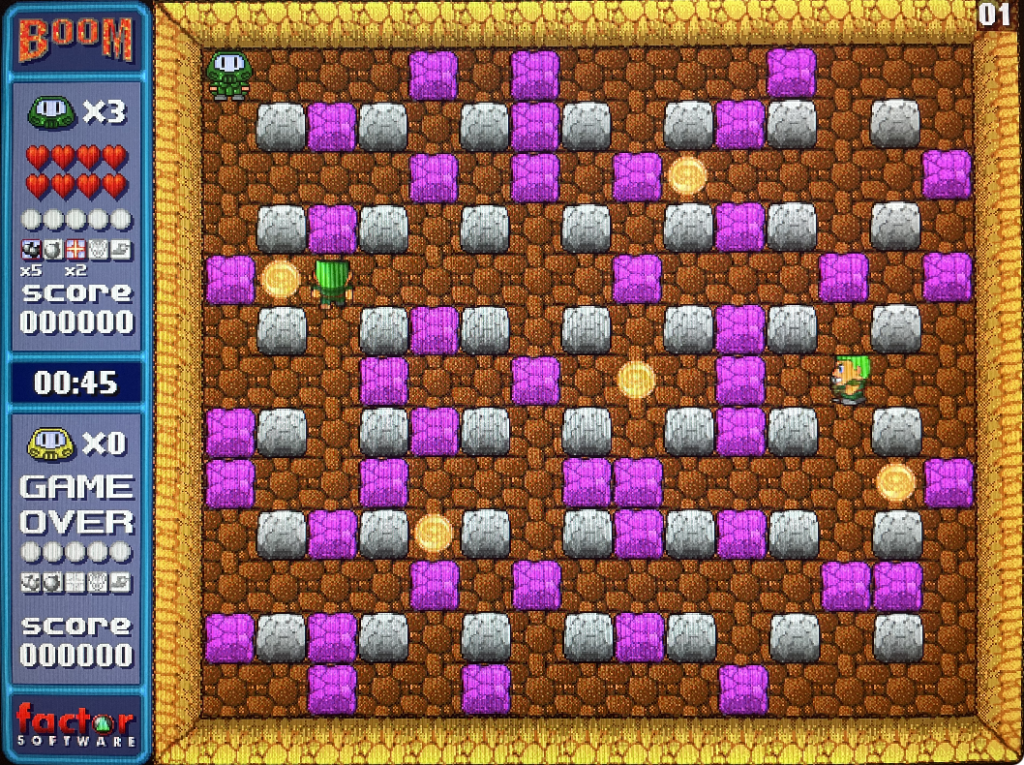
Images: Boom 206 by Factor Software 2003 – macOS X
Drop bombs. Clear pathways. Avoid getting blown up.
That’s it.
And that’s plenty.
Years later, the same fundamental idea would appear in increasingly elaborate Bomberman games—including Amazing Bomberman, which joined Apple Arcade in 2022. Apple described essentially the same wonderful formula: place explosives around a maze, open paths and blast opponents. App Store
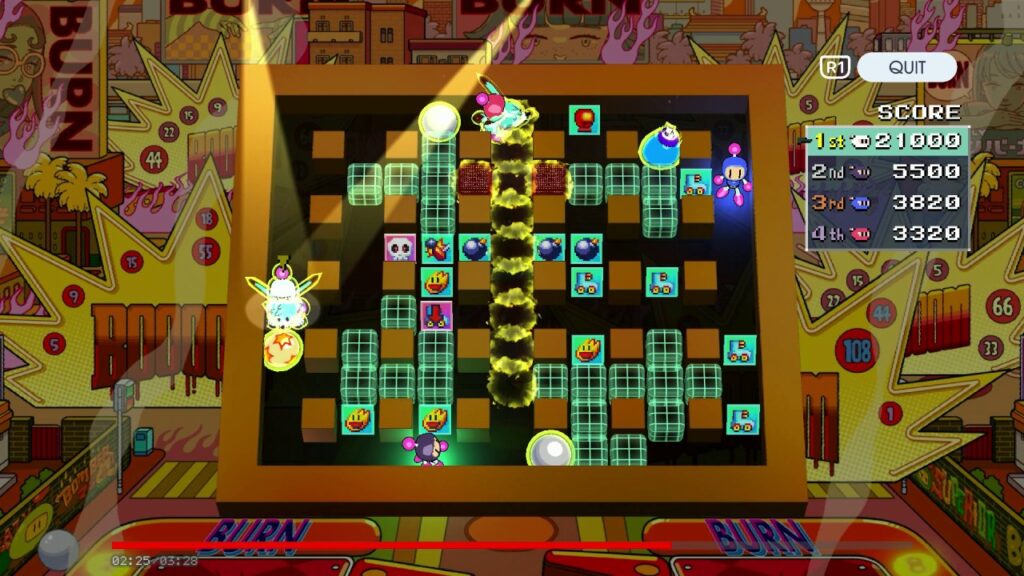
Images: Apple Arcade Amazing Bomberman – Intel or Apple silicon
Then something very twenty-first century happened.
Amazing Bomberman left Apple Arcade. Konami ended service for it in May 2025. Konami
Meanwhile our old copy of Boom still goes:
BOOM.
That isn’t an argument that subscriptions are bad. It’s simply a difference worth noticing.
One is access.
The other is a thing you kept.
Mutant Storm
Then there is Mutant Storm.
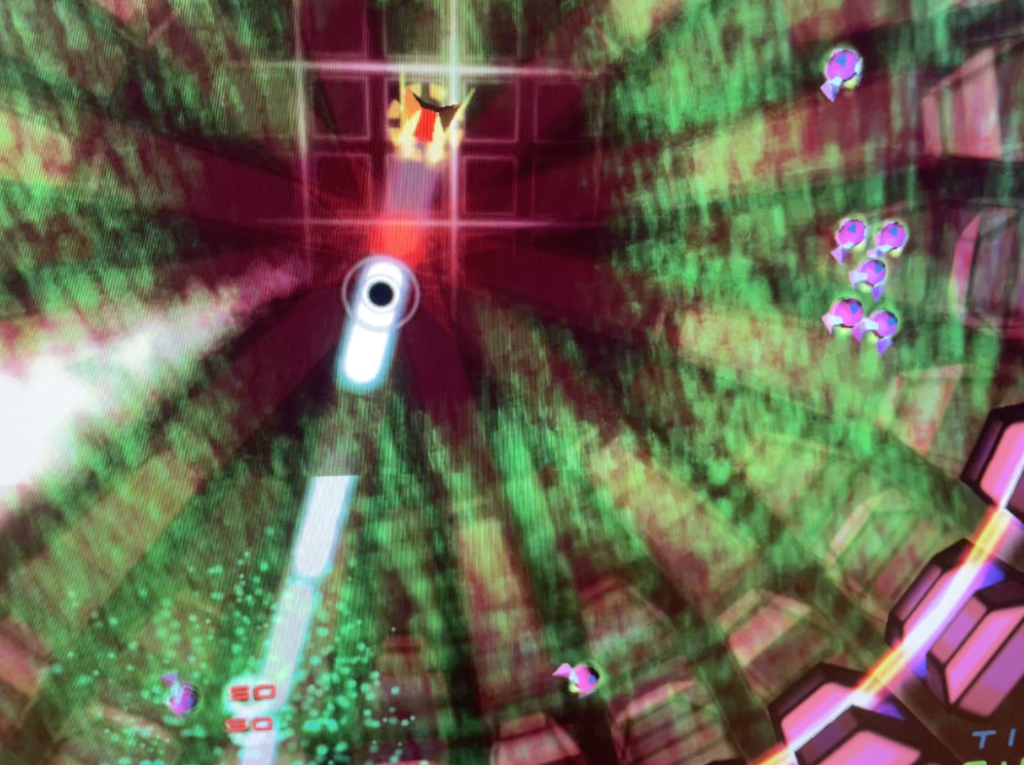
Image: Mutant Storm by PomPom Software 2003 – macOS X
This one deserves its own stop along the road because it’s one of our favorites—actually, my favorite of the bunch.
PomPom Games took the frantic idea behind old multidirectional arcade shooters and wrapped it in glowing colors, particle effects, increasingly ridiculous enemies and an almost hypnotic visual world. Contemporary coverage described it as a “neo-retro arcade shooter,” inspired by games including Robotron and Smash TV. The original Mac shareware release included a playable demo; the complete game sold for about twenty dollars. Macworld
More than twenty years later, the demo still makes its case remarkably quickly:
Play me.
No explanation required.
WingNuts and World of Goo
WingNuts turns the screen into an aerial toy box—tiny aircraft, targets and explosions scattered across a wonderfully improbable battlefield.
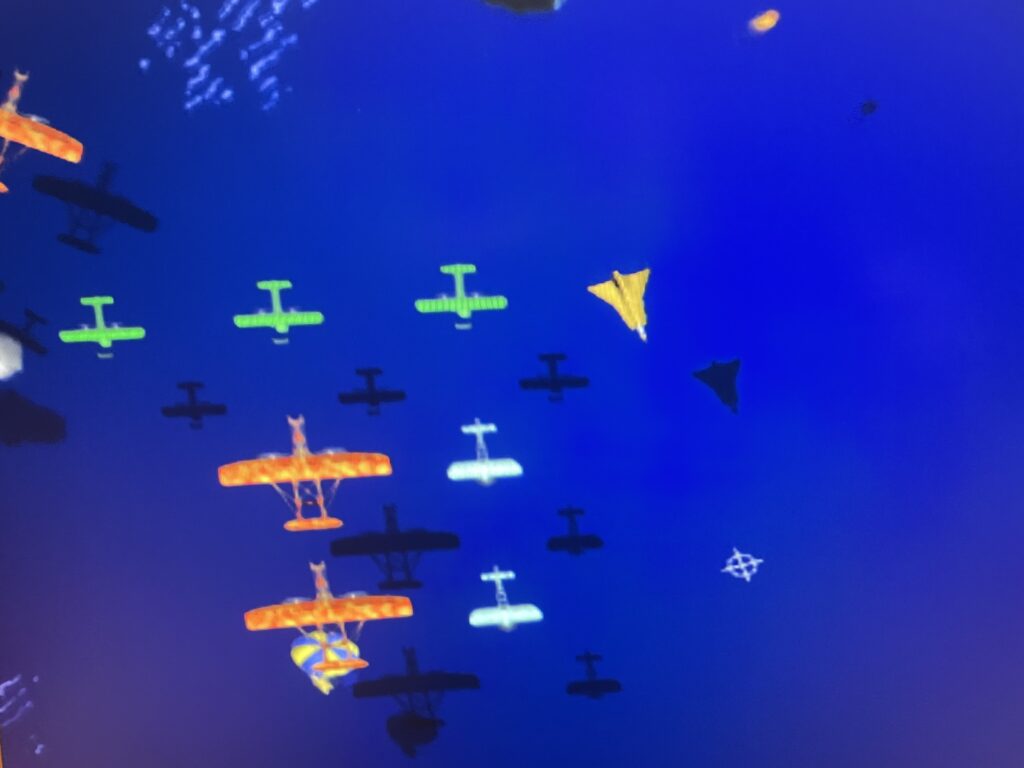
Images: Wing Nuts by Freeverse Software 2004 – macOS X
Then World of Goo slows everything down and asks you to think.
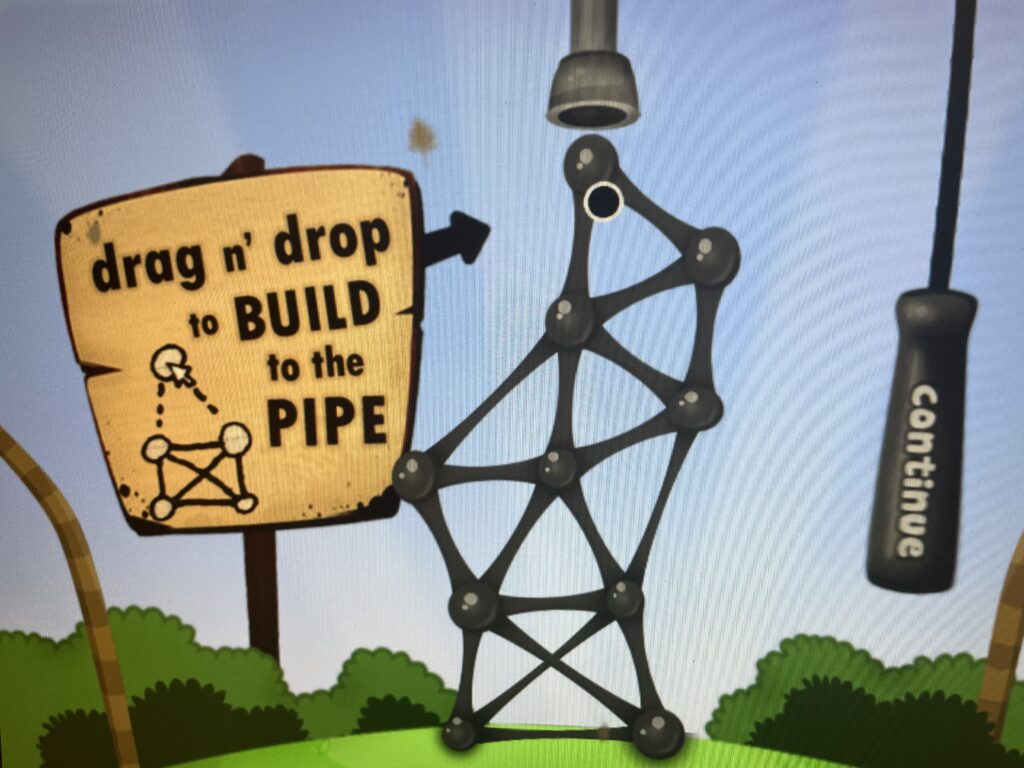
Images: World of Goo by 2D Boy 2009 – macOS X
Its little creatures become construction material. Drag them together, build a structure, discover that your structure is terrible, watch it wobble alarmingly, and attempt to rescue the entire mess before gravity wins.
World of Goo came from independent developer 2D Boy and originally sold as a conventional one-time-purchase game; the Mac release also offered a free demo. PCGamingWiki
These games weren’t technologically primitive for their day. They were inventive.
And that’s the distinction that matters.
Old technology doesn’t necessarily mean old play.
Then We Jump Twenty Years
Now launch Apple Arcade and the transformation is enormous.
Star Wars: Castaways. Star Wars: Battles. Rich 3D environments. Online systems. Character progression. Currency. Enormous production values. Games that would have looked almost impossible on a home computer when some of our Classic titles were being made.
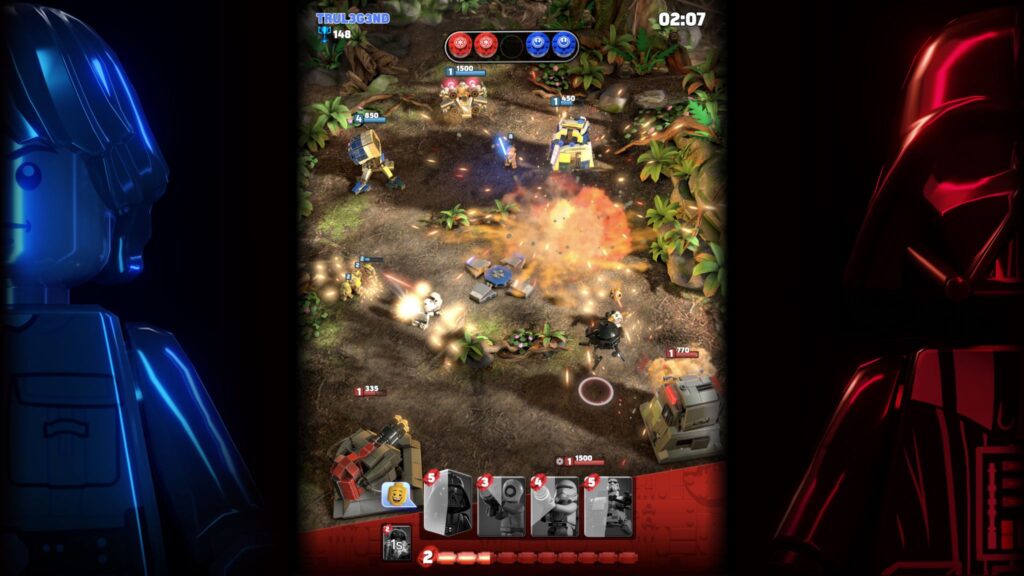
Image: Apple Arcade Star Wars Battles – Intel or Apple silicon
Apple Arcade’s proposition is also genuinely attractive: one subscription opens a large library across supported Apple devices, without advertising or in-app purchases. Apple
We enjoy it.
But here’s the funny part.
After wandering around those enormous modern worlds, we can close Arcade, open an ancient little game and—
twenty minutes disappear.
So Which Library Wins?
Maybe that’s the wrong question.
Apple Arcade gives us a changing contemporary library for about fifty dollars per year.
Retro gaming gives us something different: software scattered across old CDs, shareware collections, demos, archives and machines that were never supposed to remain useful this long.
Some of those games cost money originally. Some were always free. Some survive as demos. Some require patience to get running. And anyone exploring community archives should pay attention to the copyright and distribution status of what they download.
But once an old game is legitimately sitting on a working Mac, something remarkable happens.
It stops being obsolete.
The machine doesn’t know that it’s old.
The game doesn’t know that it’s old.
And five minutes after you start playing, there’s a pretty good chance you don’t care either.

Image: Apple Arcade Solitaire – Intel or Apple silicon
Apple Retro Note
We’re not trying to replace modern gaming with retro gaming. We’re interested in keeping another door open.
A restored Mac can be a working piece of Apple history, a software time capsule—and one heck of an inexpensive little arcade.
Vintage Macs, Restored With Care.
Leave a Reply