
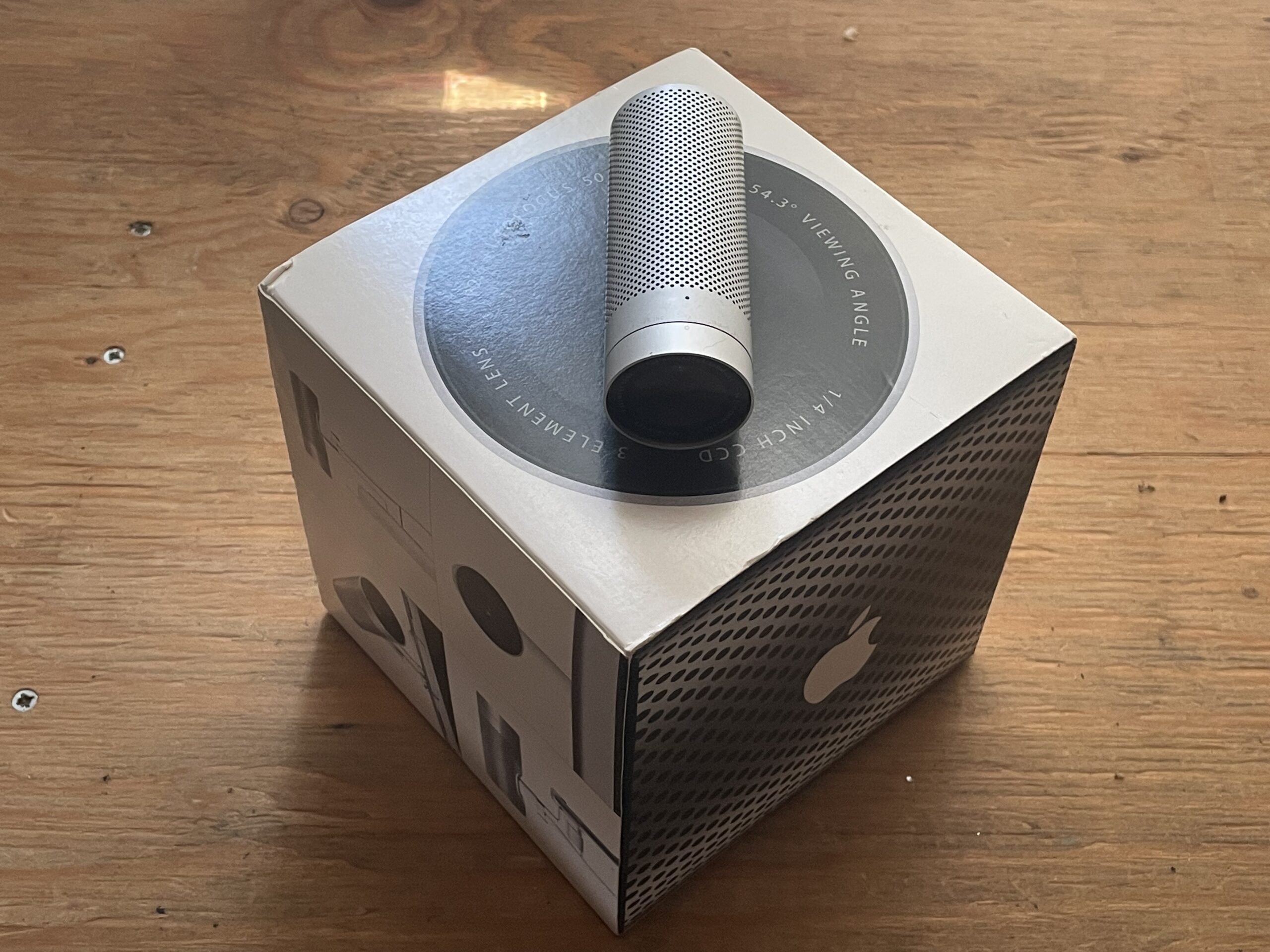
You don’t have to put your face on camera to make an iSight useful.
Apple’s original iSight camera is easy to look at today as a relic from an earlier age of video conferencing. Plug one into a vintage Mac, point it toward yourself and—if the old software and services cooperate—you have a webcam.
But what if you don’t particularly want a webcam?
That’s where things started getting interesting at Apple Retro.
We pulled out an original FireWire iSight and began asking a different question: What else can this little camera still do?
The answer turned out to be: quite a lot.
First, we tried the obvious: video conferencing
Our first stop was iChat under Mac OS X Tiger.
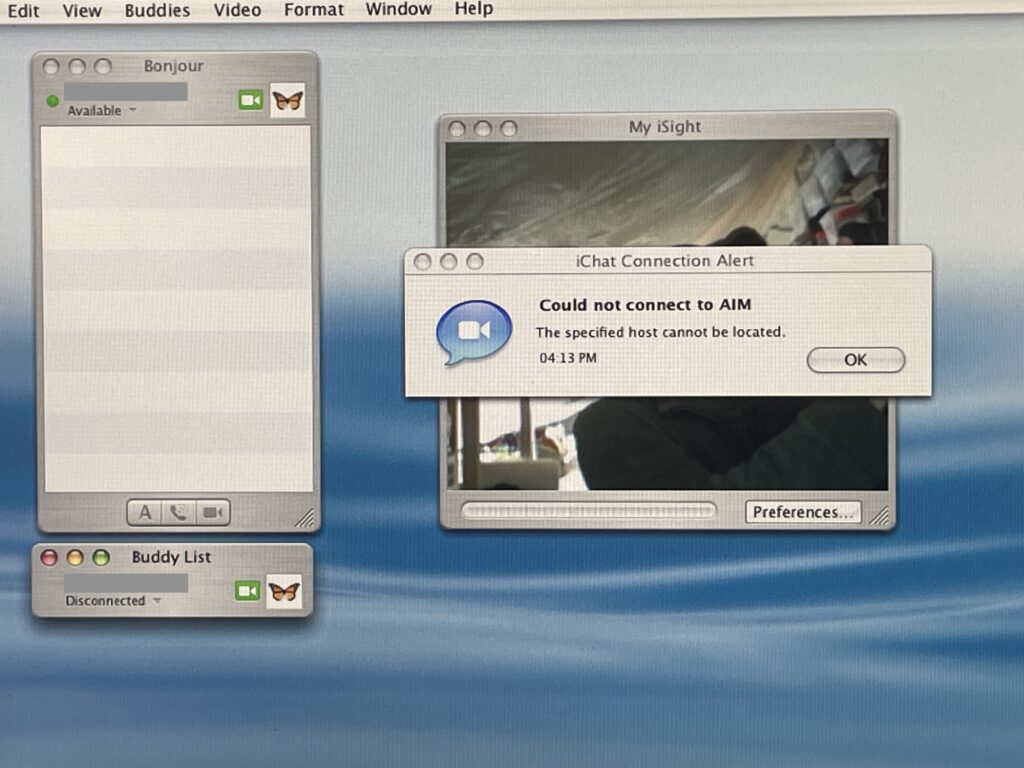
The iSight itself came alive and provided a live image, but actually reaching another person is another matter. We haven’t yet been able to establish a working buddy connection using the account information we’ve tried.
We also found a Google Chat Account option waiting inside the old account setup screen. That’s now on our testing list.
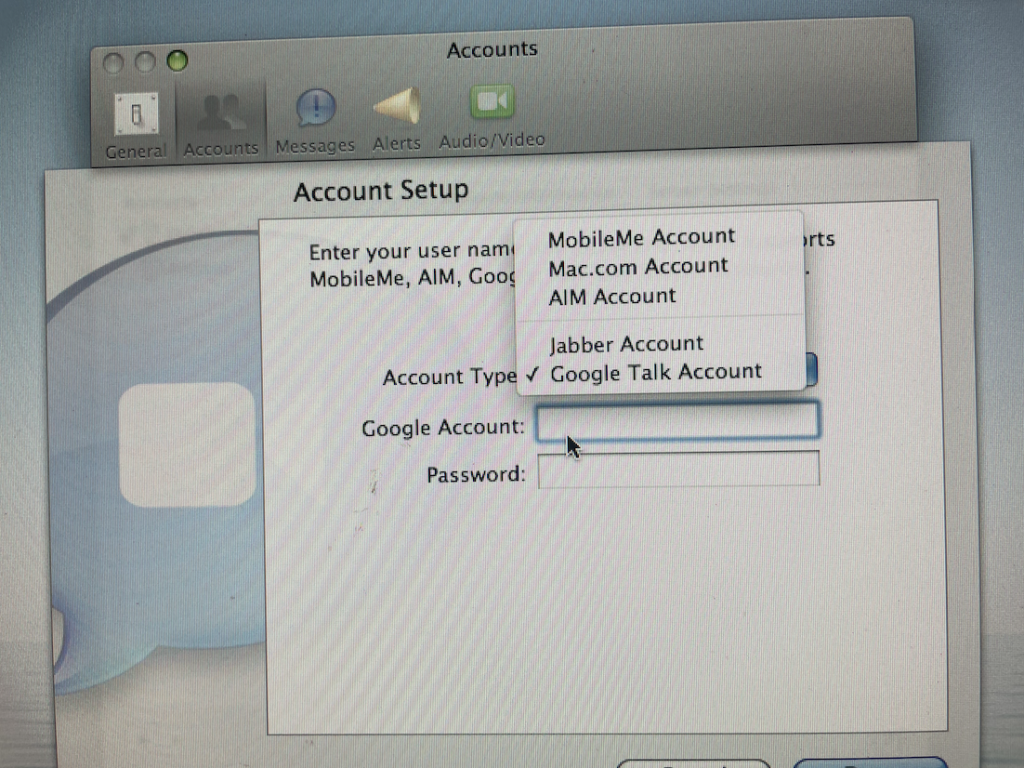
Under Sorbet Leopard, we’ve similarly been experimenting with the old messaging environment, but we haven’t yet established a working video conference with another machine.
So we’re calling that part of the experiment exactly what it is:
In progress.
The important discovery happened when we stopped worrying about whom the iSight could call.
Photo Booth gives the iSight another life
Tiger doesn’t provide Photo Booth as part of its standard installation, so we went looking.
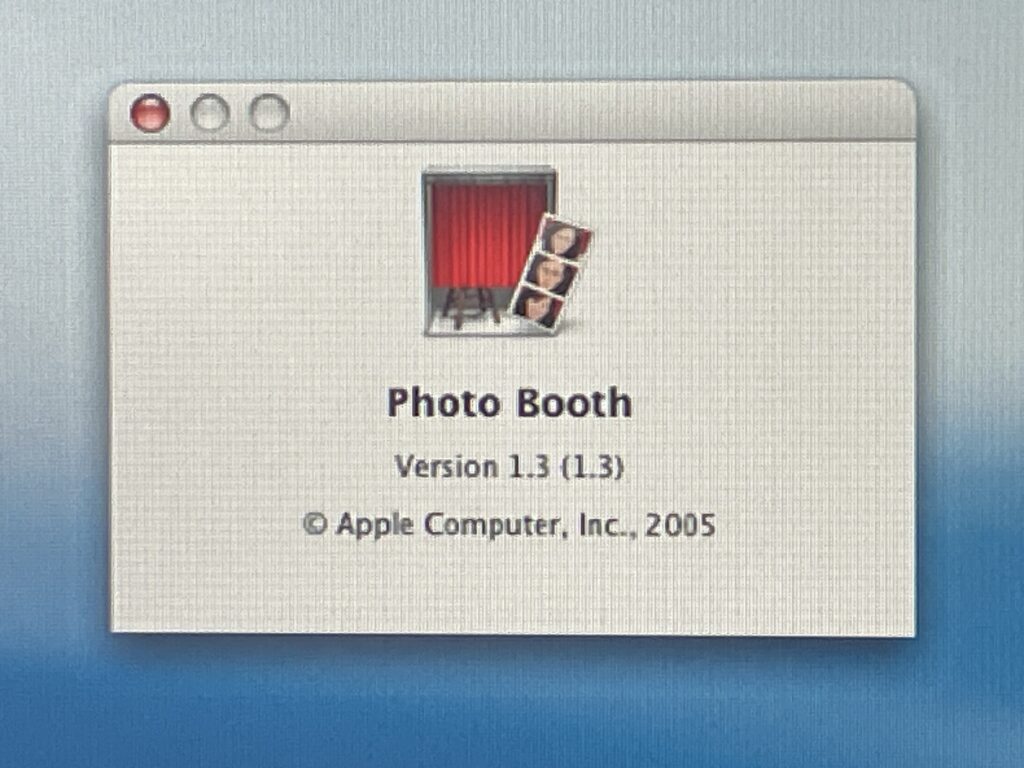
After some experimenting with an installer, we got Photo Booth 1.3 running under Tiger with our iSight.
And suddenly this wasn’t just an old video-conferencing camera anymore.
It became a wonderfully simple live digital capture station.
Point. Position. Click.
No phone transfer. No AirDrop. No importing from another camera. The image is already sitting on the vintage Mac where we’re working.
And that’s when we started getting silly with it.
Your face is entirely optional
Yes, the iSight will happily photograph Bee.
It will even produce the occasional daily “mug shot.”

Get it? ☕ 😂
But turn the camera away from yourself and the possibilities become much more interesting.
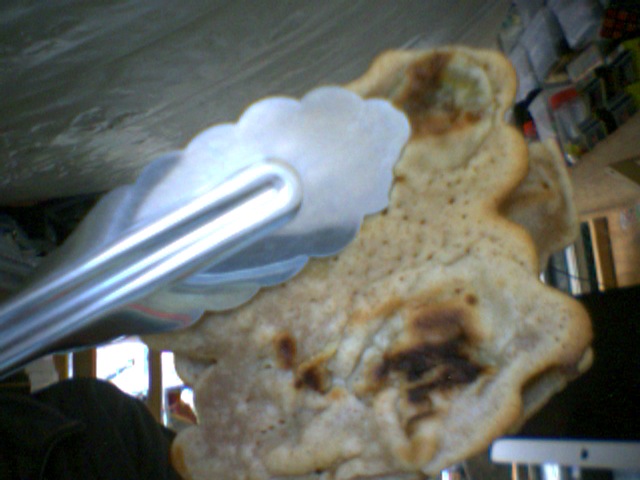
We held a pancake in front of it with kitchen tongs and made an instant food photograph without putting hands into the shot.
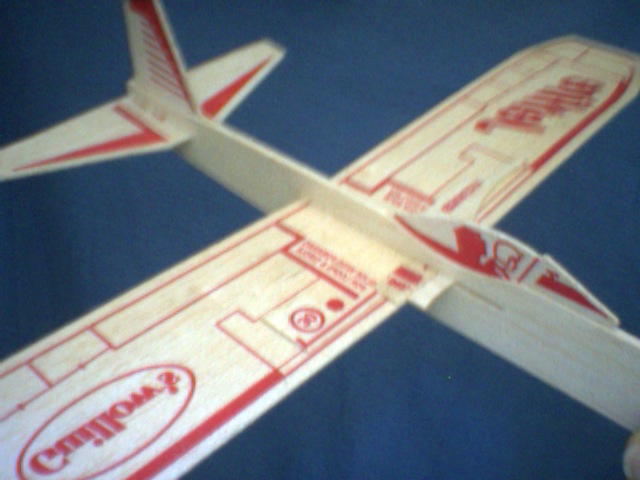
We photographed a hobby model airplane.
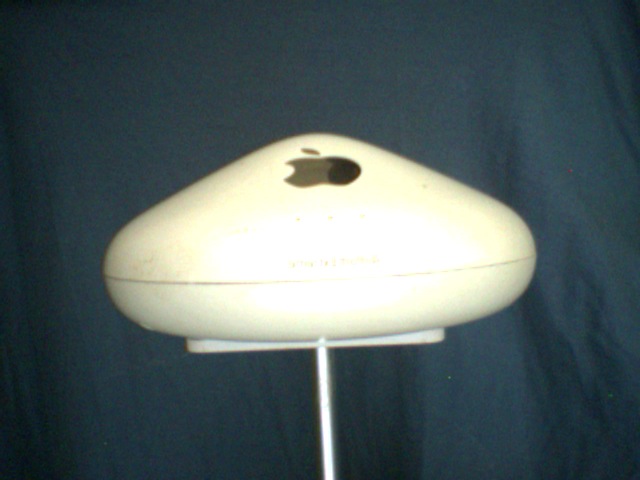
We documented an Apple AirPort base station—both held in a hand and displayed on a stand.
We captured a pet’s sympathy card and the handwritten message.

A paper image became a digital image.

A handwritten page became a digital file ready for an OCR experiment.

A warranty document became a quick visual record for our client files.

None of these jobs requires an 8K camera.
They require a camera that’s right there, connected and ready to use.
That’s the hidden power
There’s something charming about rediscovering a piece of hardware after its original headline purpose has largely passed.
The iSight was designed around seeing another person across a network.
But almost any object you can place in front of its lens can become a digital image.
That makes it useful for collectors, hobbyists, sellers, archivists, vintage-computer experimenters—or somebody who simply wants a quick visual record without involving another modern device.
And for anyone who has avoided webcams because they don’t particularly want their face staring back from the screen, there’s another possibility:
Turn the camera around.
Point it at the things you’re actually interested in.
Twenty-plus years later, this little aluminum cylinder may still have work to do.
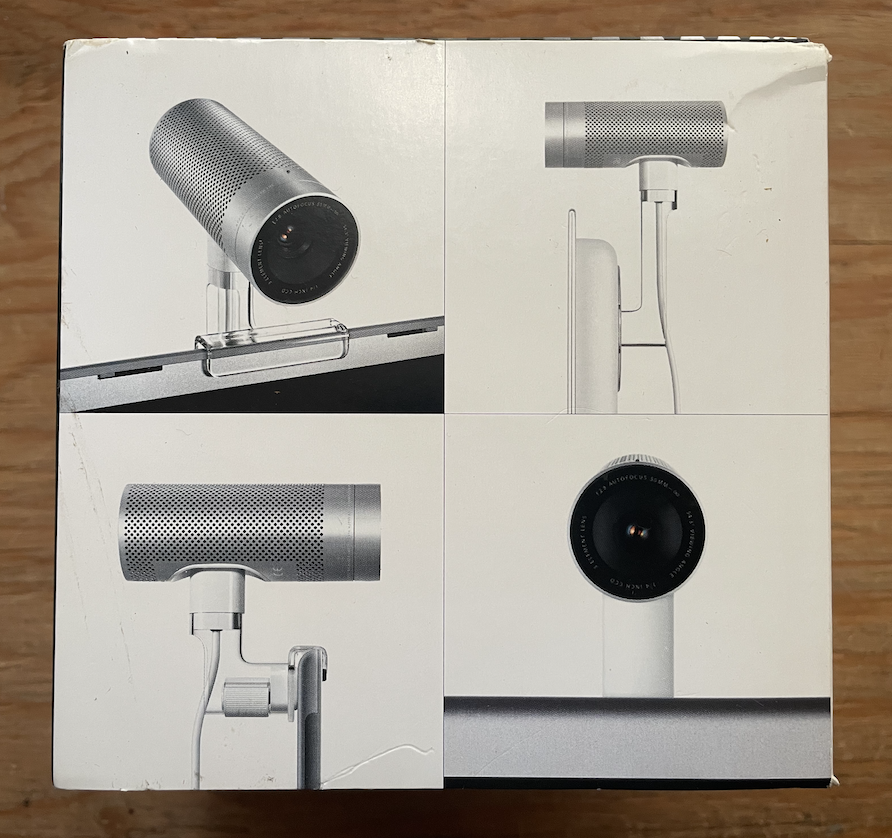
Apple Retro Field Notes
Working: Original iSight as a live camera; Photo Booth 1.3 under our Tiger setup; still-image capture of people, objects and documents.
Still investigating: iChat buddy connectivity, the Google Chat account option visible in account setup, and video conferencing through our Sorbet Leopard setup.
We’ll report back when we’ve learned more.
We aim to please. And fascinate.
Leave a Reply